
step 1 –
Open the Start Free Trial page, enter your full name, clinic name, clinic website URL, work email and a password (or continue with Google). scanO Copilot uses your website URL to scan your site and build a knowledge base automatically. Once your profile is created, log in with your email and password to continue setting up your workspace.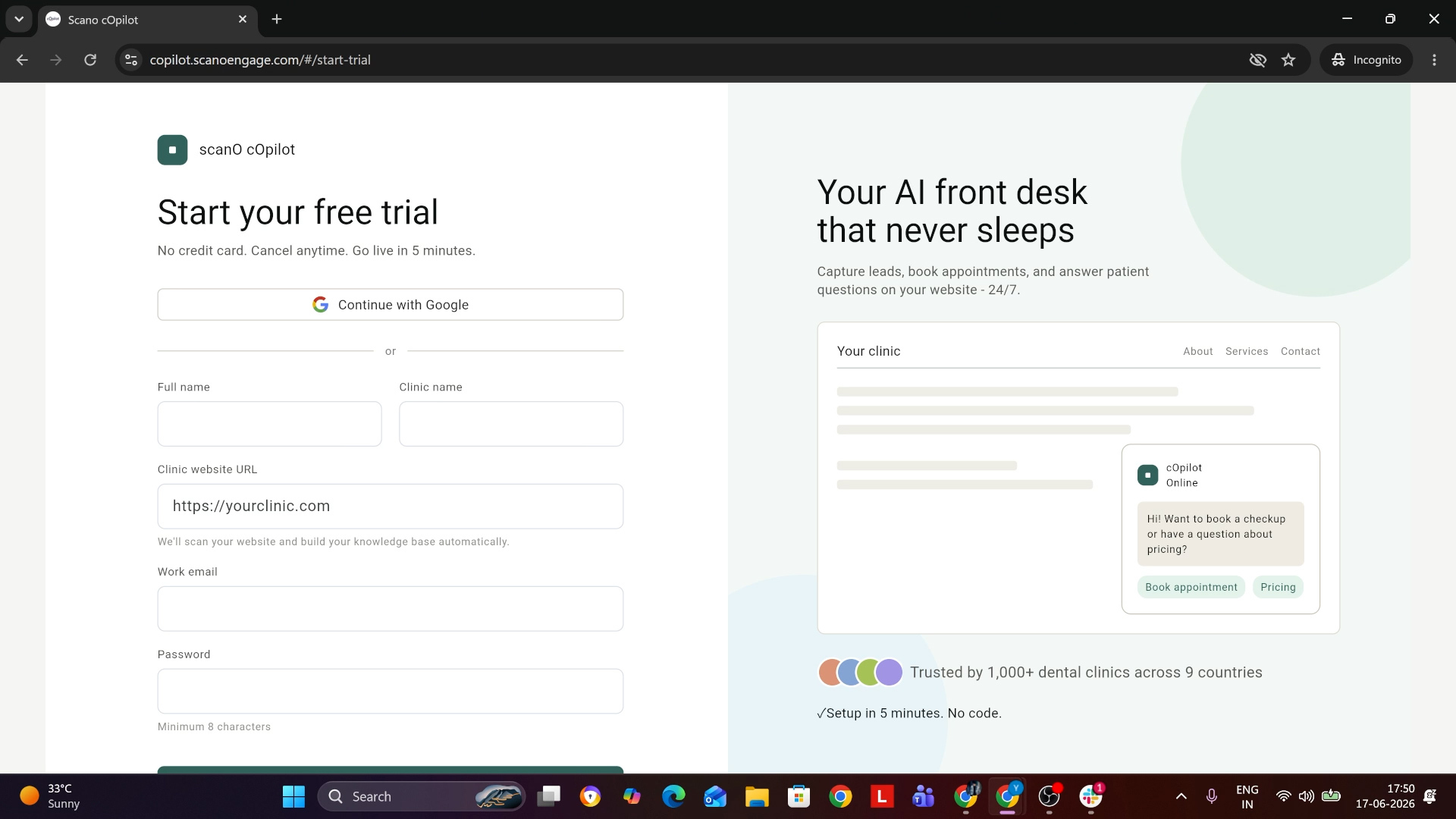
step 2 –
scanO Copilot scans your website and builds your clinic’s knowledge base. Wait a few moments while it finishes — you’ll see a progress bar as it works.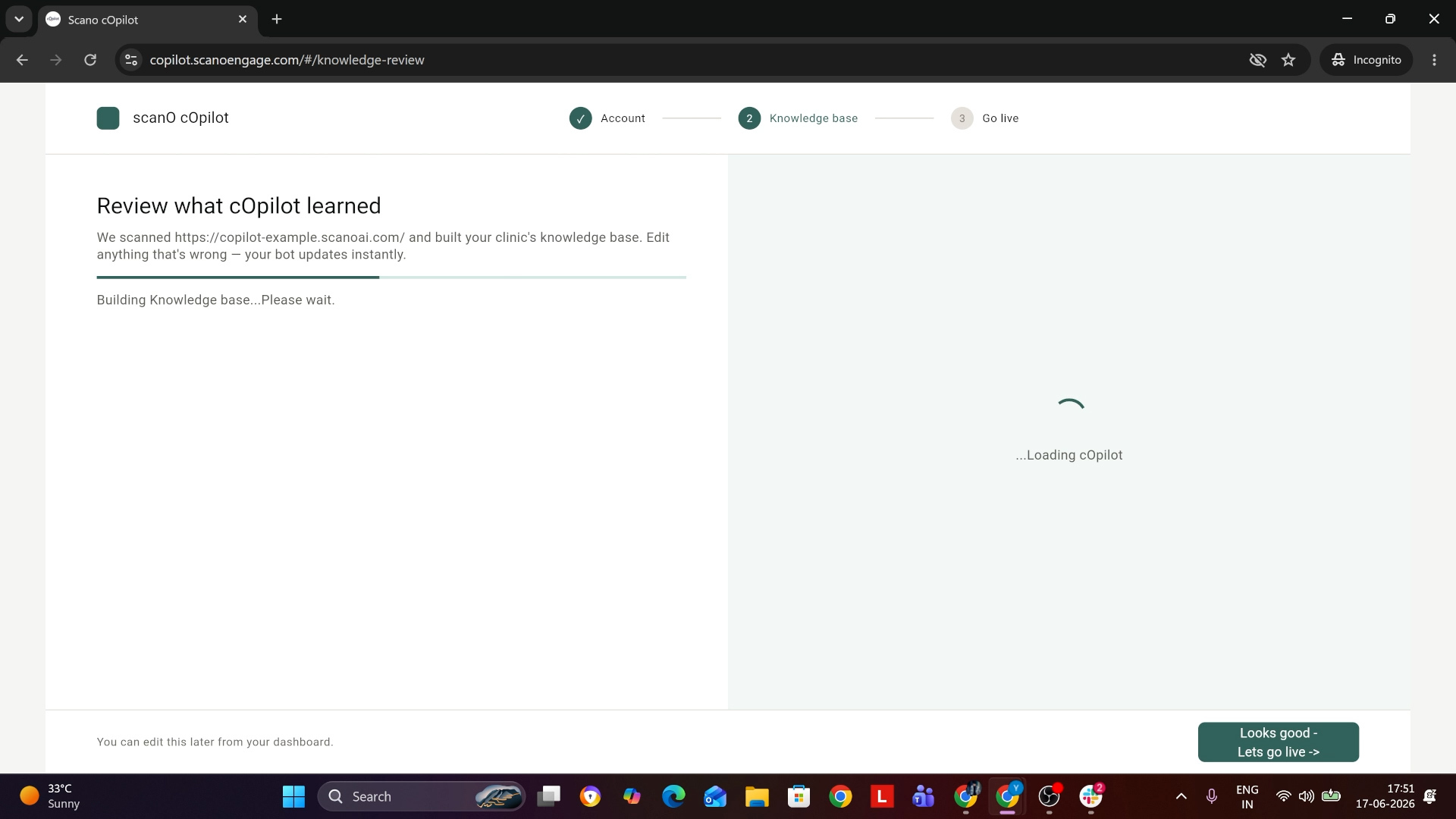
step 3 –
On the Knowledge Details page, review the collected information which is clinic name, team, services offered and other content. If anything needs updating, click Edit and fix it. Your bot updates instantly.
When it looks right, click “Looks good – let’s go live”.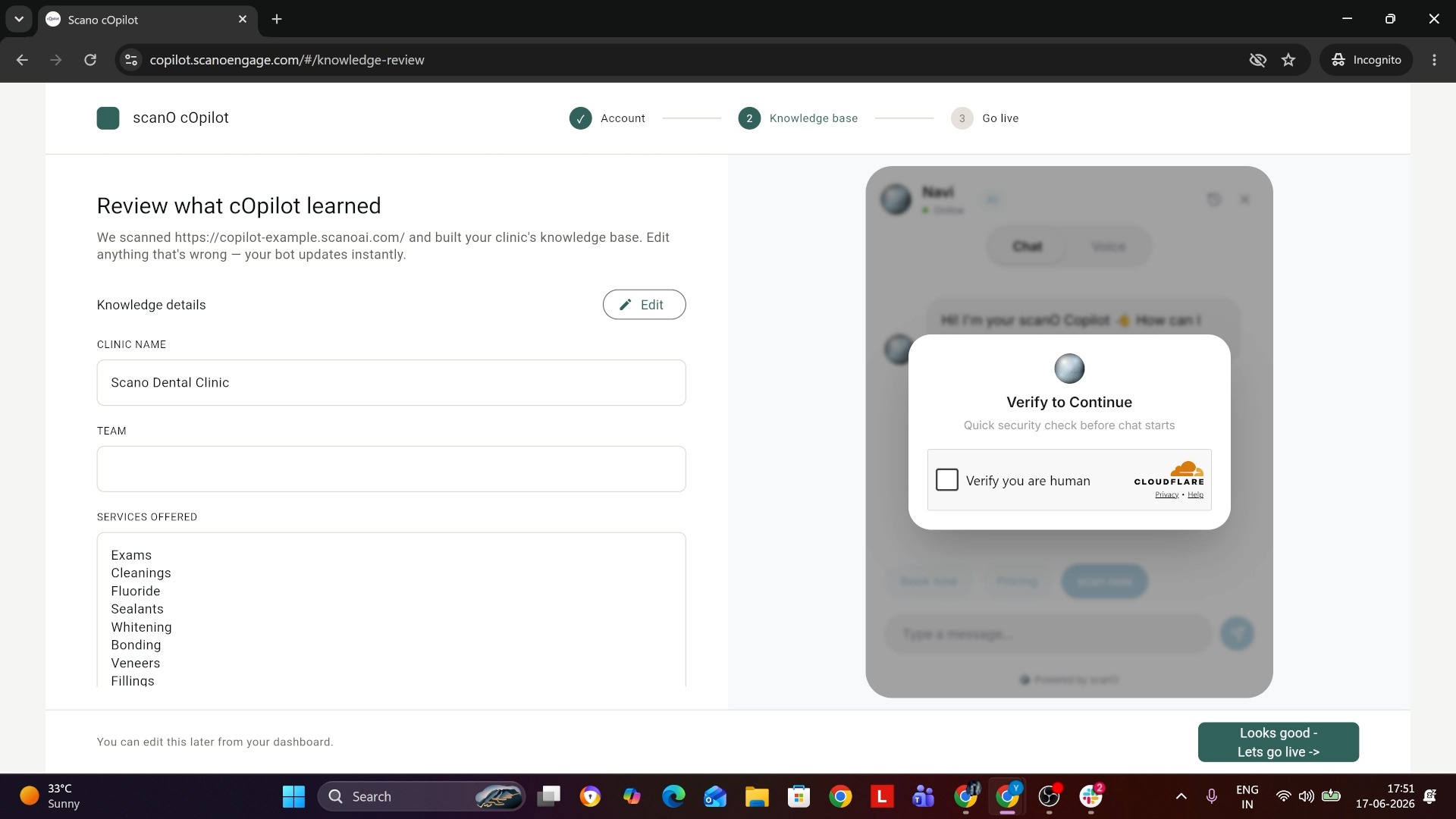
step 4 –
On the integration page, Copilot gives you a unique code snippet. Click Copy. The same snippet works on any website or framework.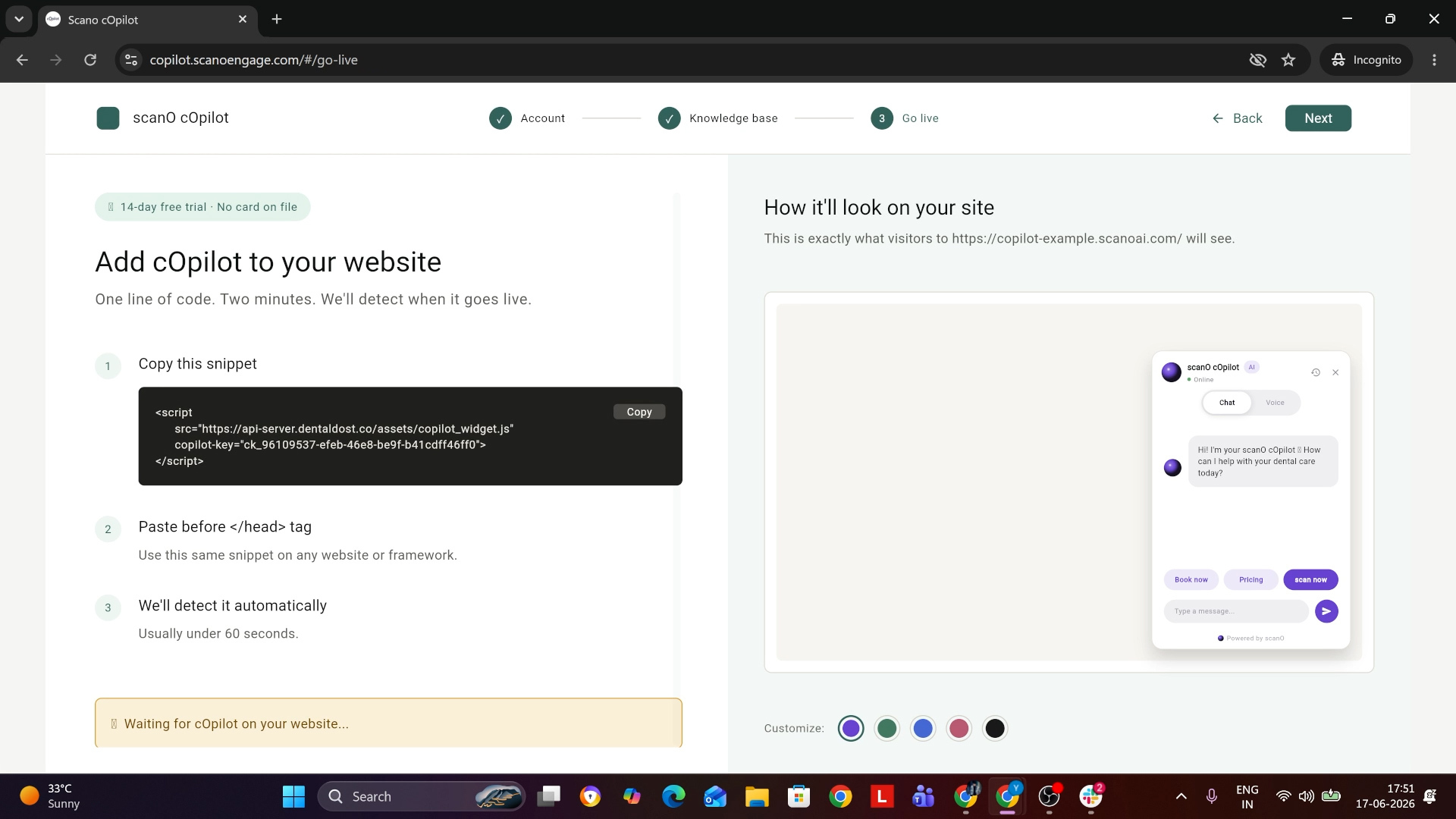
step 5 –
Paste the snippet into your website’s HTML, just before the closing tag, and publish.
step 6 –
Once the code is live, scanO Copilot detects the installation automatically within sixty seconds.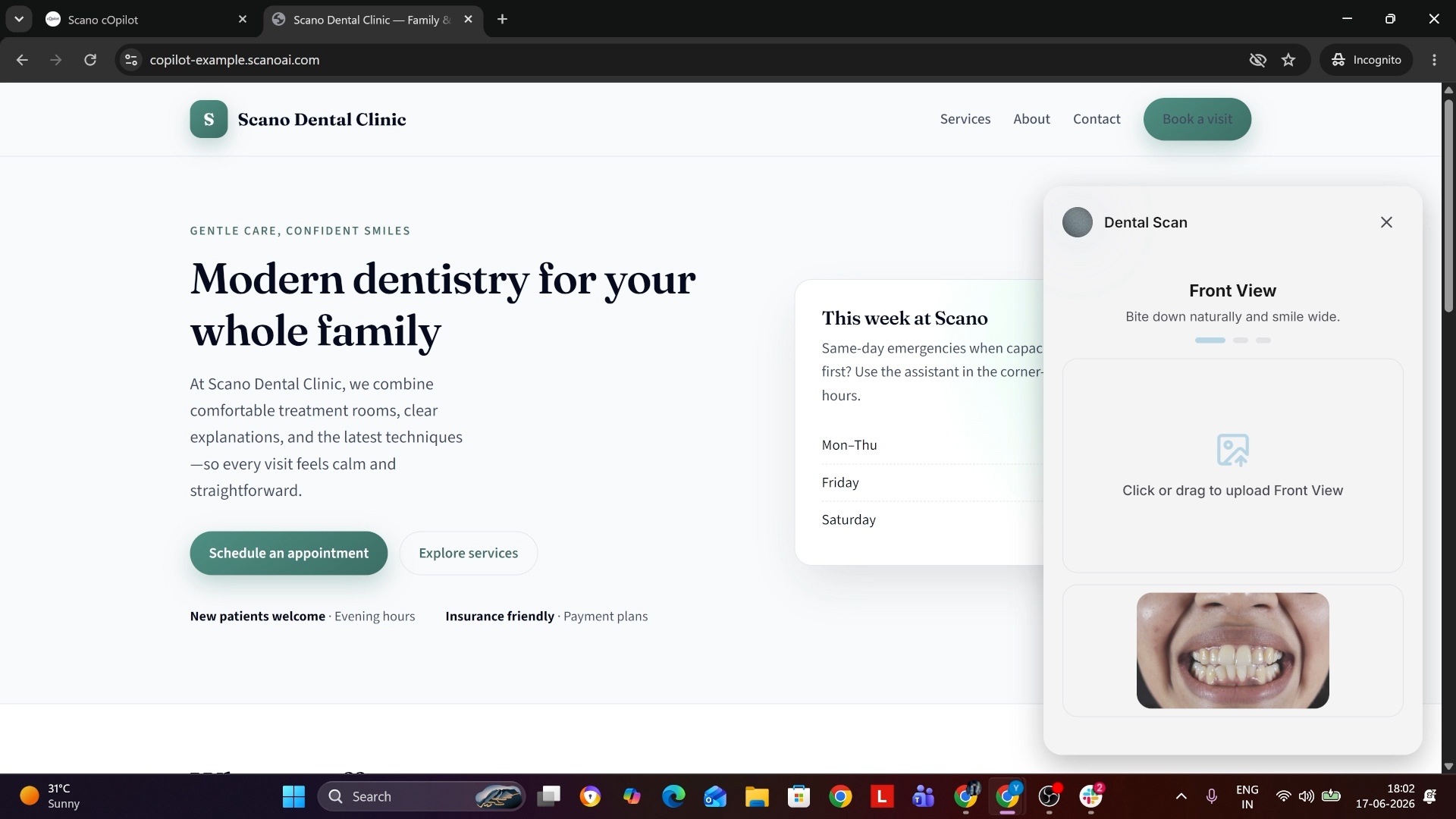
Setup of cOpilot
How to set up scanO Copilot on your website ?