

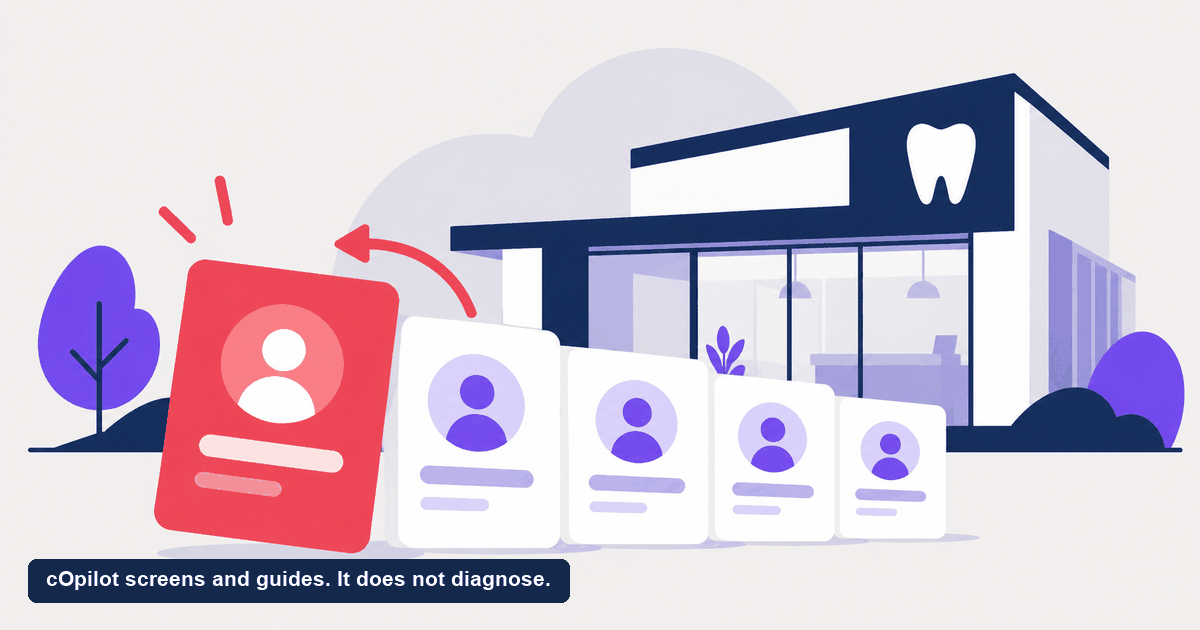
It is 9pm. A patient cracks a molar biting down on something hard, and the pain is real. They land on your website, and your front desk went home four hours ago. What happens next decides whether that person becomes your patient or the next clinic’s. A dental chatbot for emergency care exists for exactly this moment. Here is the part that matters most and that this whole post keeps returning to: it does not provide medical care, diagnosis, or treatment. Its job is narrow and important. It recognizes that something is urgent and gets that person to a human fast. Let us walk through how that actually works, and where the hard line sits.
What does a dental chatbot do in an emergency?
Start with what it is not, because the name can mislead. A dental chatbot for emergency care is not a medical device. It does not assess the injury, it does not decide how serious a symptom is in clinical terms, and it never prescribes, treats, or advises on a course of care. Anyone who tells you a website chatbot can do those things is overpromising, and in a regulated field that is a real risk.
What it does do is much simpler and genuinely useful. It reads the language a visitor uses, notices signals that suggest urgency, and moves that person toward a human quickly instead of dropping them into a routine booking flow. Think of it as a smart routing layer at the front door, not a clinician behind it.
In practice that means three jobs:
- Recognize urgency. When a message describes a knocked-out tooth, severe swelling, uncontrolled bleeding, or intense pain, the chatbot flags it as urgent rather than treating it like a checkup request.
- Route to a human. Instead of quietly booking a slot three weeks out, it points the patient to your clinic phone line and, for a genuine emergency, tells them to call the practice or emergency services directly.
- Capture the context. Everything the patient typed is logged so your team picks up the conversation with full detail, not a cold callback.
Why is an after-hours emergency so easy to lose?
Most dental urgency does not arrive at 10am on a Tuesday. It flares up on a Sunday, late at night, or over a holiday weekend. An after-hours dental emergency is the hardest kind to catch for one plain reason: no one is at the desk to catch it.
A person in pain does not leave a calm voicemail and wait until morning. They search, they message the first clinic that responds, and they move on. When your site answers with a dead contact form or silence, the patient is gone before your team ever knows they existed. The loss never shows up in a morning huddle, because someone who never reached you cannot cancel or no-show. They simply vanish.
An always-on front desk changes the first thirty seconds. The visitor gets an immediate response, gets pointed to the right next step, and your team wakes up to a captured lead instead of an empty inbox.
How does triage work inside the chat?
This is the section people care about, so let us be precise about what dental emergency triage means here. Triage in this context is not a clinical assessment. It is sorting: is this a routine request or something that needs a person now, and if it needs a person, how fast.
Here is the flow, step by step.
The patient describes the problem in plain language. They might type “my crown fell out and my tooth is throbbing” or “my child fell and knocked a tooth loose.” A modern dental chatbot understands intent, so the patient does not have to click the right menu button.
The chatbot recognizes urgency signals. Certain words and situations get flagged: severe or uncontrolled bleeding, facial swelling, trauma, a knocked-out permanent tooth, intense or spreading pain. These are routing signals, not diagnoses.
It routes instead of booking. For an urgent case, the chatbot does not slot a routine appointment. It directs the patient to your clinic phone line so a human takes over, and it makes clear that a real emergency means calling the practice or emergency services right away.
It hands off with context. The full chat is saved so whoever picks up the phone or reviews the dashboard already knows what the patient said.
The in-chat oral-health scan fits the same rule. If a patient shares symptoms or runs the scan, that is an engagement and triage feature only. It is not a diagnosis and does not replace an in-person dental exam. It gives an anxious visitor a reason to start the conversation and a clear next step, which is to reach your team.
For how this triage layer sits inside a full front-desk workflow, see the AI receptionist for dentists hub.
Where is the line between routing and treating?
If you take one idea from this post, take this. The AI front desk moves information and people. It does not practice dentistry. That separation is not a limitation to apologize for. It is the whole point of doing this responsibly.
A patient with a real emergency should always contact the practice or emergency services directly. The chatbot’s role is to make that path obvious and fast, and to make sure the person is not sitting in a dead web form while a serious situation gets worse. When you evaluate any tool that markets itself around emergencies, check that it draws this line clearly. A tool that blurs it, that hints the AI can judge how serious an injury is, is a tool to walk away from.
Handled honestly, an AI front desk protects two things at once: the patient, who gets pointed to real help quickly, and your schedule, which does not get an urgent case quietly parked in a routine slot weeks away.
The AI layer can
- Collect what happened and when
- Flag urgency for a person to review
- Route to the right next step or number
Only a clinician can
- Decide what the problem actually is
- Judge how urgently it needs treating
- Give advice the patient should act on
What happens after the handoff?
Routing is only half the value. The other half is that nothing gets lost. Every emergency chat, every symptom a patient shared, and every scan is captured in the Engage lead dashboard. That matters for a few reasons.
- Your team follows up with context. The morning after an after-hours dental emergency, the conversation is waiting, not lost to a voicemail no one checked.
- No urgent lead falls through. Even if the patient did not reach a person overnight, the record is there so someone calls back first thing.
- The data stays where it belongs. Engage is a lead capture layer, not a full practice-management system. Your team can pick those records up and work them in the tools you already run for scheduling, recall, and billing.
Want to see what missed urgent inquiries are worth to your practice specifically? The missed revenue calculator turns your own fees and patient mix into a rough estimate.
How does cOpilot handle emergency routing?
cOpilot by scanO is the website front-desk layer, not a clinical tool. On emergencies, its job is narrow and clear:
- Recognizes urgency signals in what a visitor types and treats them as urgent, not routine.
- Routes those cases to your clinic phone line and directs genuine emergencies to call the practice or emergency services directly.
- Captures the full chat, any shared symptoms, and any scan in the Engage lead dashboard for fast human follow-up.
- Runs the in-chat scan as engagement and triage only, never as a diagnosis and never as a replacement for an in-person exam.
What it does not do is just as important. cOpilot does not assess or treat an emergency, does not give clinical advice, and does not replace calling a person. It books new appointments for non-urgent visitors and keeps the front door covered around the clock, and it hands the hard cases straight to your team.
Setup is no-code. Drop in one snippet and you can be live in under 10 minutes, with data handling built for regulated markets and patient data never used to train the AI. Verify the specifics with your own compliance lead.
Stop letting after-hours urgency leak to the clinic down the road. Start your free trial and put an always-on front desk on your site that catches urgent visitors and routes them to a human fast. The trial runs 15 days and extends to 30. Prefer a walkthrough first? Book a demo and we will show you exactly how the routing works.
FAQ
Can a dental chatbot for emergency care treat or diagnose a dental emergency? No. A dental chatbot for emergency care does not provide medical care, diagnosis, or treatment. Its role is to recognize that a situation is urgent and route the patient to a human quickly, usually your clinic phone line. Anyone with a real emergency should contact the practice or emergency services directly.
What does dental emergency triage by a chatbot actually mean? Here triage means sorting, not clinical assessment. The chatbot reads the patient’s plain-language message, flags signals that suggest urgency such as trauma, severe swelling, or uncontrolled bleeding, and routes those cases to a person instead of booking a routine slot. It does not judge how serious an injury is in medical terms.
What happens if a patient has an emergency after hours? The chatbot responds immediately, points the patient to your clinic phone line, and makes clear that a genuine emergency means calling the practice or emergency services right away. The full conversation is captured in the Engage lead dashboard so your team can follow up first thing, even if no one reached a person overnight.
Is the in-chat oral-health scan a diagnosis? No. The in-chat scan is an engagement and triage feature only. It is not a diagnosis and does not replace an in-person dental exam. It gives a hesitant visitor a reason to start a conversation and a clear next step, which is to reach your team or book a visit.
Does an AI front desk replace calling the dentist in an emergency? No. It is a routing layer, not a replacement for a person. A patient with a real dental emergency should always contact the practice or emergency services directly. The chatbot’s job is to make that path fast and obvious and to make sure the inquiry is not lost.