

Your front desk is running four jobs at once. Someone is booking a hygiene visit, someone else is posting a payment, a hygienist needs a perio chart pulled up, and an insurance claim is sitting half-finished. If those jobs live in separate spreadsheets, paper ledgers, and a wall calendar, things slip. So what is dental practice management software, and why does nearly every clinic eventually run one? In short, it is the operational hub that ties scheduling, clinical charting, billing, and patient records into a single system. This guide explains what a dental PMS actually does, the core modules inside it, how it differs from the other tools around it, and how to choose one without overbuying. For a deeper, comparison-focused buyer guide, see our complete guide to choosing dental practice management software.
What is dental practice management software?
Dental practice management software is the central system a clinic uses to run its day-to-day operations. It holds the schedule, the patient charts, the billing ledger, and the patient records in one place, so your team is not stitching information together across disconnected tools.
Think of it as the operational spine of the practice. When a patient checks in, the same system that shows their appointment also holds their treatment history, their outstanding balance, and their insurance details. That single source of truth is the whole point. It cuts down on double entry, lost paperwork, and the small errors that pile up when the same patient exists in five different places.
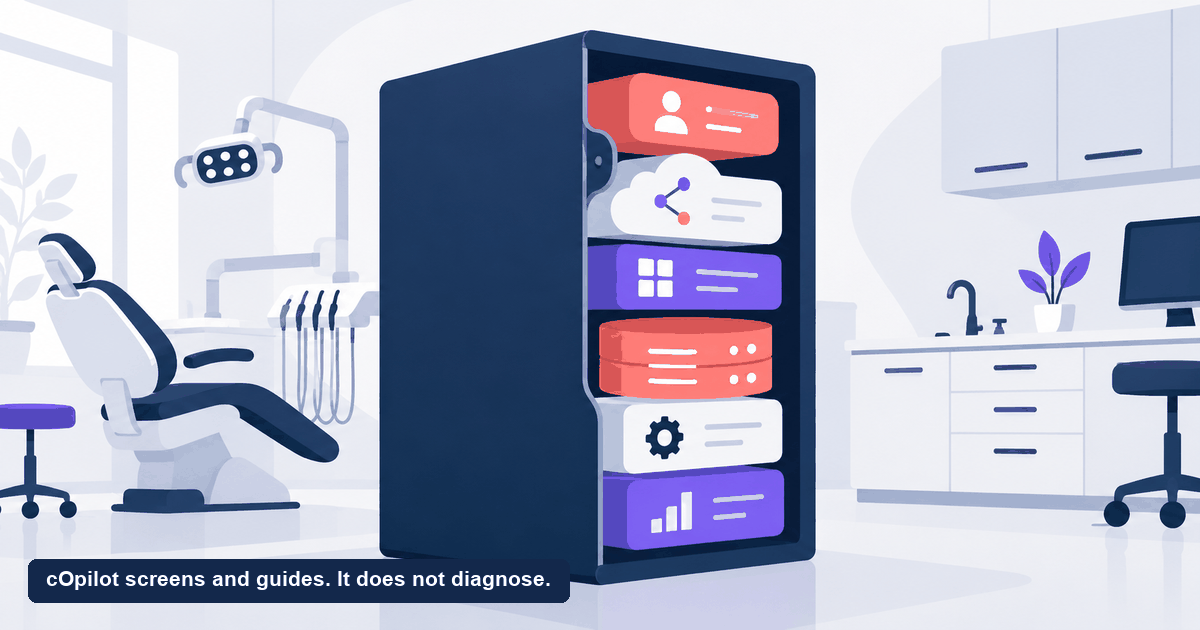
A dental PMS is not one narrow feature. It is a suite of modules that cover the core operational jobs of a clinic. Different vendors package those modules differently, but the backbone is remarkably consistent from product to product.
The core modules of dental practice management software
Most dental practice management software is built from the same handful of building blocks. You do not have to use every module, but knowing the full menu helps you see what your current setup covers and where the gaps are.
- Scheduling and calendar. The appointment book for every operatory and provider. This is the module the front desk lives in all day.
- Clinical charting. The digital odontogram, perio charting, treatment planning, and clinical notes that clinicians use chairside.
- Billing and claims. The patient ledger, insurance claim submission, payment posting, and statements. This is where the money is tracked.
- Patient records. Demographics, medical and dental history, documents, consent forms, and links to imaging.
- Reporting and analytics. Production numbers, collections, provider performance, and the operational reports an owner uses to run the business.
A full dental PMS bundles all of these into one login. That integration is the value. When charting, billing, and scheduling share the same patient record, a treatment plan can flow into the ledger and onto the schedule without anyone retyping it.
Some clinics run one all-in-one PMS. Others use a lighter core system and connect specialized tools around it for things like imaging or communication. Neither is automatically right. What matters is that the operational core, the parts that touch clinical and financial data, stays reliable and secure.
Dental PMS versus the tools around it
A common source of confusion is where the dental PMS ends and everything else begins. The PMS runs the operational core. It is not built to do every job a modern practice needs, and it usually was not designed to.
Here is a simple way to draw the line. The PMS answers operational questions: who is on the schedule, what was charted, what is owed, what is in the record. The tools around it handle communication and growth: reminding patients about visits, texting them, requesting reviews, capturing new-patient interest from your website, and marketing.
- A PMS is not a marketing or communication platform. It stores the record. It does not typically run your review requests or your website chat.
- A PMS is not a patient acquisition tool. It manages the patients you already have on the books far better than it wins new ones off your website.
- Reminders and texting are often add-ons. Some PMS products include basic reminders, but many practices layer a dedicated communication tool on top.
Understanding this split keeps you from expecting one product to do everything. Your PMS is the system of record. The tools around it feed it and act on it. For a closer look at the communication layer, our guide on dental patient engagement software breaks down that category.
How to choose a dental PMS
Because a PMS sits at the center of clinical and financial operations, switching one is a serious project. It is worth choosing carefully. A few questions to guide the decision:
- Does it fit how you actually work? A specialty practice charts and bills differently than a general dentist. Make sure the workflows match your day, not a demo script.
- How does it handle patient data? A PMS holds your most sensitive information. Ask how records are stored, who can access them, whether data is encrypted at rest and in transit, and what the access controls look like. In regulated markets, confirm the vendor’s compliance posture directly rather than trusting a badge on a page.
- What does it integrate with? Your PMS will not do everything, so it needs clean connections to imaging, communication, and any new-patient tools you run. A system that traps data behind a closed door creates more work.
- Cloud or server? Cloud-based systems update automatically and are reachable from anywhere. Server-based systems keep data on-site. Each has tradeoffs for cost, maintenance, and access.
- What is the real cost of switching? Data migration, retraining, and downtime are the hidden costs. Factor them in alongside the monthly price.
Answer those honestly and you will narrow the field fast. The best dental practice management software for another clinic may be wrong for yours, so match the tool to your workflows and your market.
Where cOpilot fits alongside your PMS
cOpilot by scanO is not a dental PMS, and it is not trying to replace one. It does not do charting, billing, claims, or record management, and it does not run your operational core. cOpilot handles one specific job that sits in front of the PMS: the website front desk, where new-patient interest arrives and is most often lost.
Here is the honest, narrow scope of what cOpilot does:
- Greets every website visitor 24/7 and answers their questions from your clinic’s own knowledge base.
- Books new appointments directly into your clinic calendar, and triages dental emergencies to your phone line.
- Runs an optional in-chat AI oral-health scan. The scan is for engagement and triage only. It is not a diagnosis and does not replace an in-person dental exam. It simply gives a hesitant visitor a reason to book.
- Captures every chat, scan, and new booking in the Engage lead dashboard, so clean, structured new-patient data is ready for your team to work in the systems you already run.
Notice what is not on that list. cOpilot does not manage clinical charts, it does not process billing or insurance claims, it does not store your operational records, and it does not reschedule or change existing appointments. Those jobs belong to your PMS. cOpilot’s role is to win the new patient at your website’s front door and hand clean booking data downstream, so your practice management system stays the system of record it was built to be. For the full picture of how that front-desk layer works, see our AI receptionist for dentists hub.
On the practical side, cOpilot installs with no code. Drop in one snippet and you can be live in under 10 minutes, without touching your PMS setup. Plans start at $199 a month, and there is a free trial you can extend to 30 days. On data, handling is HIPAA-aligned, GDPR-compliant, and ABDM-aligned for India, and patient data is never used to train AI models.
If your biggest leak is new-patient interest slipping off your website after hours while your PMS quietly manages the patients already on the books, that front-door gap is exactly what cOpilot is built to close. Start your free trial and see how many new bookings your site can capture, then watch that clean data land in Engage ready for your practice management system.
FAQ
What is dental practice management software? Dental practice management software is the central system a clinic uses to run daily operations. It combines scheduling, clinical charting, billing and claims, and patient records in one place, so the team works from a single source of truth instead of separate spreadsheets and paper. It is the operational spine of the practice.
What are the main modules of a dental PMS? The core modules are scheduling and the appointment calendar, clinical charting including the odontogram and treatment planning, billing and insurance claims with the patient ledger, patient records, and reporting. Vendors package these differently, but this backbone is consistent across most products. You do not have to use every module.
Is dental practice management software the same as patient engagement software? No. A PMS runs the operational core, meaning scheduling, charting, billing, and records. Patient engagement software focuses on communication, such as reminders, texting, reviews, and capturing new patients. They solve different problems and should integrate. Many practices run both, with the engagement tools feeding the PMS.
Should a dental PMS be cloud-based or server-based? It depends on your priorities. Cloud-based systems update automatically and are reachable from anywhere, which suits multi-location or remote access needs. Server-based systems keep data on-site, which some practices prefer for control. Weigh cost, maintenance, access, and your compliance requirements, and confirm the data-handling details with the vendor.
Does cOpilot replace my dental practice management software? No. cOpilot is a website front-desk layer, not a PMS. It greets visitors, answers questions, and books new appointments, then captures it in the Engage dashboard. It does not do charting, billing, records, or rescheduling. It works alongside your practice management software rather than replacing it.