

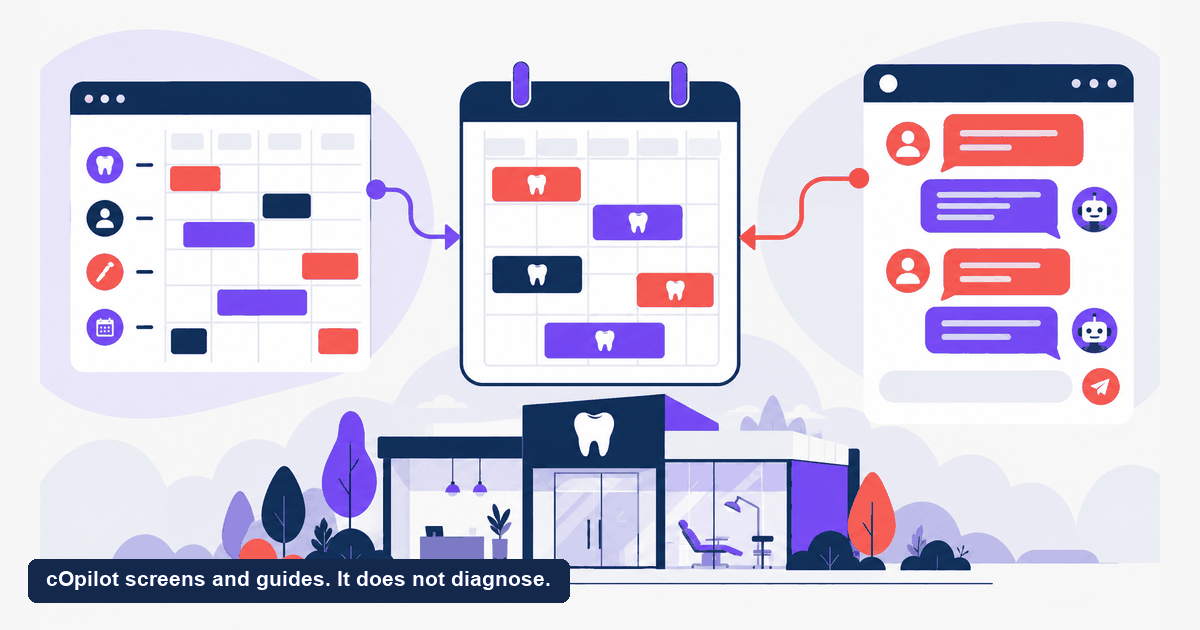
NexHealth sells something most of its rivals do not: a real integration layer that reads from and writes back to your practice-management system. That is the plumbing of a dental front end, and it is unglamorous, difficult, and genuinely valuable. So the useful question is not which product has more features. It is whether your bottleneck is plumbing or conversation, because no amount of sync quality fixes an unanswered question at 10pm, and no chat widget fixes a calendar that drifts out of step with your PMS.
This page explains what two-way sync actually means, gives you the questions to ask any vendor selling it, and is clear about which gap cOpilot does and does not close. Written for dental practice owners and office managers outside India.
What does two-way sync actually mean?
Vendors use “integration” to describe wildly different things, and the differences decide whether the product works for you. Four distinctions are worth knowing before you evaluate anyone.
- Read-only against read and write. A read-only integration can display your availability. A read and write integration can also create the appointment in the PMS, update it when the patient reschedules, and write back the patient record. Only the second removes manual re-entry at the desk, which is usually the thing you were trying to buy.
- Real time against scheduled. Some integrations poll on an interval, so a slot can be booked twice inside the gap. Others push changes as they happen. If you run tight back-to-back scheduling, the interval matters more than the feature list suggests.
- Which systems, at what depth. Support for a practice-management system is not binary. A vendor may write appointments to one PMS and only read from another. Sync quality is per-system, which is why a recommendation from a practice on different software tells you very little.
- What happens when it breaks. Connections drop. The question is whether you find out from an alert or from a patient standing at the desk for an appointment nobody can see. Ask how failures surface and how reconciliation works.
These are the mechanics behind the word “integration” in this category generally. We are describing how such systems work, not asserting how any particular vendor has built theirs. Ask each one directly.
Is your gap plumbing or conversation?
Two different problems get described with the same sentence, “we are losing patients”, and they need opposite purchases.
A plumbing gap looks like double bookings, a calendar that disagrees with the PMS, staff retyping details that were already captured online, or a booking widget that shows slots which are not really free. Patients are reaching you. The handoff between systems is where it fails. A scheduling and sync platform is the answer, and this is NexHealth’s home ground.
A conversation gap looks different. Traffic arrives, hesitates, and leaves. Someone asks what a treatment involves, or whether you take their insurance, or whether a chipped tooth can wait until Monday, and gets no reply until Tuesday. A booking widget cannot close this, because a widget assumes the decision has already been made. It shows a calendar to someone who has not yet decided they want an appointment.
The diagnostic is cheap. Look at where people drop off. If they drop off during booking, you have a plumbing gap. If they drop off before it, you have a conversation gap. Most practices have some of each, and the ratio decides where the money goes first.
It is a plumbing problem if
- Availability shown online does not match the book
- Forms arrive but have to be retyped
- The integration breaks whenever the PMS updates
It is a conversation problem if
- Visitors leave before they reach the booking step
- Questions go unanswered until someone is free
- The booking flow works and nobody completes it
Which alternatives go deepest on integration?
Organized by how each product connects to the systems you already run, since that is the axis NexHealth competes on. Compiled from each vendor’s published materials as of September 2026. Integration support changes often and varies by practice-management system, so confirm your specific setup with the vendor rather than relying on a general claim.
| Platform | How it connects | Developer API | Strongest when |
|---|---|---|---|
| NexHealth | Two-way practice-management sync, positioned as the core of the product | Yes, a published platform offering | The handoff between your booking flow and your PMS is the failure point |
| cOpilot by scanO | Works alongside your existing systems and books into your calendar, no PMS migration | scanKit, for teams building on scanO | The conversation before the booking is the failure point |
| Weave | Integrates with common practice-management systems alongside its phone platform | Not documented as a primary offering | The phone is the center of your front desk |
| Podium | Connects to many business systems across industries rather than deeply to dental ones | Not documented as a primary offering | Reviews and outbound messaging matter more than PMS depth |
| Solutionreach | Long-established engagement and reminder integrations | Not documented as a primary offering | You want a like-for-like swap on patient communication |
What should you ask a vendor selling you sync?
Ask these before you sign, and get the answers in writing. They are the questions that separate a demo from a deployment.
- Does the integration write back to our specific practice-management system, or only read from it?
- Which version of that system, and does it need to be cloud-hosted or on a particular release?
- Is the sync event-driven or on an interval? If an interval, how long is it?
- What happens to a booking made during an outage, and how is it reconciled afterward?
- How do we find out the connection has dropped?
- Who owns the patient data in the integration, where is it stored, and what are the retention terms for our market?
- Can we export our data if we leave, and in what format?
- How many practices on our exact PMS are live on this today?
- Does pricing change with appointment volume, locations, or providers?
- Who does the implementation work, and is it included?
Question six matters more than it looks. An integration moves patient information between systems, so the encryption, access controls, and retention terms apply to it as much as to any other part of your stack. Our guide to data protection for dental practices covers what to check and what differs by market.
How should you read NexHealth reviews?
A star average across every practice type tells you almost nothing. Read for themes instead, filtered to your context:
- Search reviews for your practice-management system by name. Sync quality is per-system, so a glowing review from a practice on different software may not transfer to you at all. This is the single highest-value filter.
- Weight the last twelve months. Integration coverage and support both change, and older reviews describe a product that no longer exists.
- Separate time-to-install from time-to-value. Reviewers often report how fast setup went. What matters is how long until booked appointments changed.
- Read the feature gaps people mention repeatedly. Those are usually the exact gaps an alternative is sold to fill, and they tell you what you would be taking on.
Apply the same discipline to every alternative you shortlist. We are not going to repeat specific ratings here, because they move and because your practice-management system matters more than any average.
Where does the sync layer stop?
cOpilot comes from scanO, a dental AI company, and it works on the layer above the plumbing: the exchange that happens before a booking exists. It answers patient questions in plain language, books appointments, and collects intake on your website and messaging channels, around the clock. It is PMS-agnostic and books into your calendar, so it sits alongside whatever sync layer you already run rather than competing with it.
On the Pro plan a patient can attach a photo to the chat, and cOpilot flags what may warrant review and suggests an urgency level, so your team can sequence care. That is triage support, not a diagnosis. cOpilot screens and guides. It does not diagnose. Every clinical decision stays with the dentist. cOpilot comes from scanO, whose platform is live in 1,066 dental clinics, and it is one part of the wider approach in dental front desk automation. For the direct feature-by-feature view, see how cOpilot compares to NexHealth.
What cOpilot does not do is replace a deep PMS integration. If your records and your calendar are drifting apart, that is a sync problem and we are not the fix for it.
When is staying with NexHealth right?
Switching an integration layer is disruptive in a way switching a chat widget is not, because the sync is load-bearing for your calendar. Three situations where staying is the better call:
- The sync works on your PMS. If data moves cleanly today, you are holding something that is genuinely hard to build, and the burden of proof sits with the alternative.
- You are building on the API. Custom workflows and connected systems raise switching costs sharply, and that developer platform is a real differentiator.
- Your drop-off is during booking, not before it. If patients reach you fine and the friction is in the booking itself, a conversational tool addresses a problem you do not have.
The common outcome is not a replacement at all. It is keeping the sync layer and adding conversation on top, because the two tools fail at different points in the same journey.
Frequently asked questions
What is the best NexHealth alternative for a dental practice?
It depends on which gap you are closing. For a like-for-like scheduling and engagement platform, Solutionreach and Weave compete directly, and Weave is the stronger choice if the phone is central to your front desk. If your real gap is that patients ask questions and nobody answers, that is a conversation problem rather than a scheduling one, and a dental-specific AI front desk such as cOpilot addresses it.
Are NexHealth reviews reliable?
They are useful if you filter them. Sync quality varies by practice-management system, so search reviews for your own PMS by name and weight the last twelve months most heavily. A star average across every practice type and every system will not tell you whether it works for yours.
Does cOpilot integrate with my practice-management system?
cOpilot is PMS-agnostic and books into your calendar, so there is no migration involved. It is not a replacement for a deep two-way PMS sync. If keeping records and calendar aligned across systems is your main problem, that is a different product category.
How much do NexHealth alternatives cost?
Pricing in this category varies by vendor, module, provider count, location count, and region, and it changes. There is no dependable single figure, so ask each vendor for a current quote scoped to your practice and compare on capability first.
Can I use cOpilot and NexHealth together?
Yes, and that pairing is common. NexHealth handles booking and the sync with your practice-management system. cOpilot handles the conversation that happens before the booking exists, plus after-hours coverage and dental intake.
Decide which gap is yours before you shortlist anything, because the two problems have different answers. The scanO team can confirm what applies in your market.